Limited-Time 30% OFF!Get Offer
Generate with MiniMax H3 Max Turbo

MiniMax H3 Max Turbo Video Generator

Explore a few versions of a scene with MiniMax H3 Max Turbo. Start from text or an image, and change one instruction between takes so you can see what helped.

Start frame
End frame
Duration (seconds)5s
5s10s15s
Number of outputs

Production preview

High-fashion editorial photoshoot of a model, captured in a series of dynamic editorial poses: Confident, composed expressions throughout. Shot on a medium-format camera, 80mm lens, f/5.6, tack-sharp focus. Studio lighting with a single large softbox key and a subtle rim light, seamless muted-grey backdrop, clean shadows. Vogue-style composition with generous negative space and intentional cropping, fine film grain, rich fabric texture, magazine-cover quality, ultra-detailed.

Explore a few versions

MiniMax H3 Max Turbo is the lowest-cost model on this site for trying more than one take of the same idea. Keep the subject and the setting, then change only one action or camera instruction between generations.

A five-second take at 480P uses 15 credits here. Check the displayed cost before generating, and keep the resolution and duration consistent when comparing versions.

Inputs

Start from text or an image

Choose the starting point that already exists, then describe only the movement you still need.

  1. 1

    Write one action

    Use text when you have no still yet. Name the subject, the one thing that happens, and the framing. Clips run 5–15 seconds (default 5).

  2. 2

    Or upload a start image

    Image to video keeps appearance and composition from the still. Describe motion rather than repeating the wardrobe. An end image is optional when you already know the closing pose.

  3. 3

    Change one instruction next

    Keep duration and resolution the same. Change only the action or only the camera move, then compare the two clips.

Existing model examples

Examples to adapt

Copy a MiniMax H3 Max Turbo prompt, then change one detail on the next take.

A garden chase from a sentence

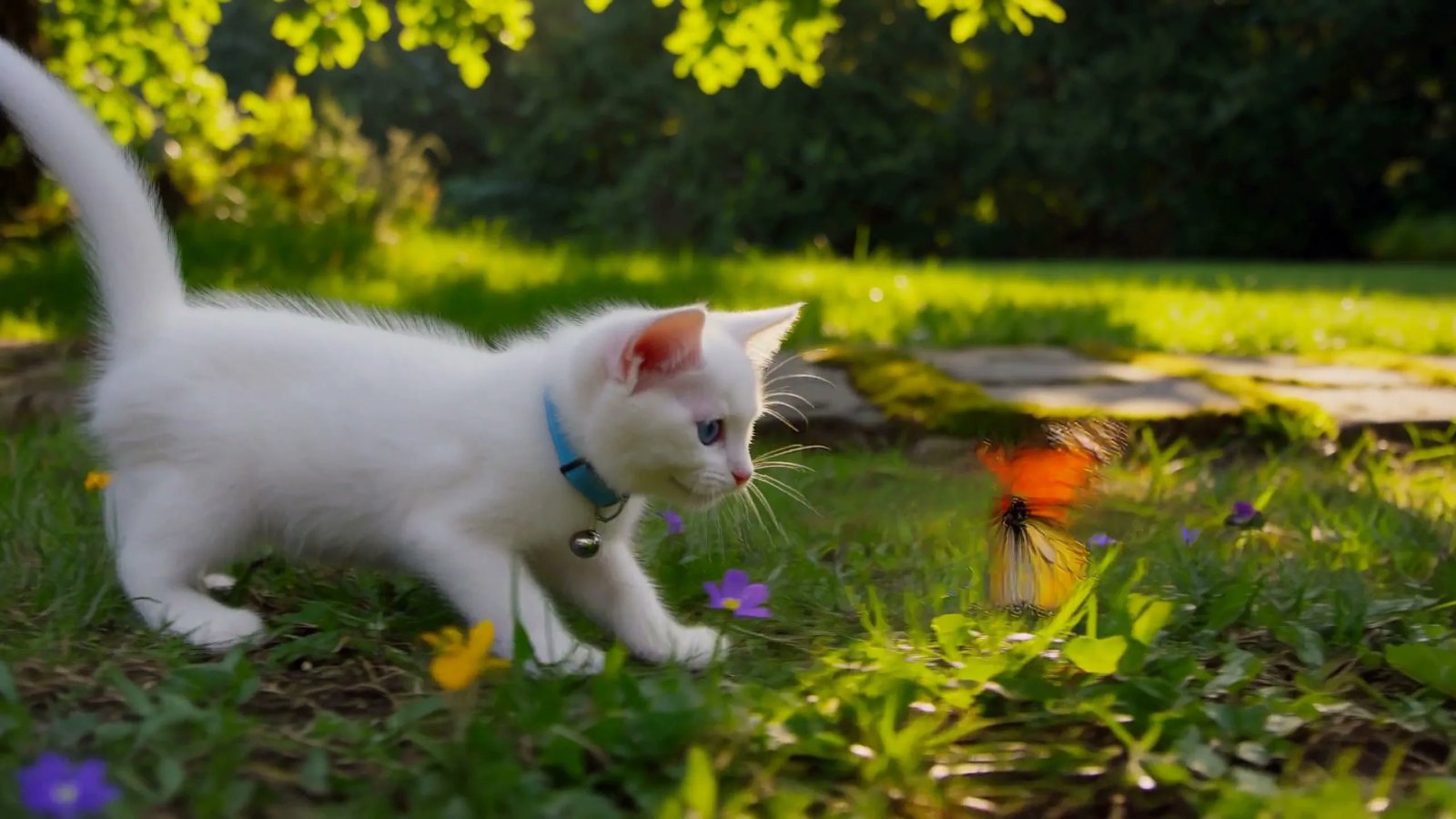
One subject, one action, one camera move. Keep the kitten and the garden; on the next take, change only the tracking or only the chase.

Example prompt

A white kitten chases a butterfly across a sunlit garden. Gentle camera tracking, natural movement, soft afternoon light filtering through the leaves.

What to reuse
Subject, action, and camera are already named. Copy that shape, then swap one of the three.
What to change next
Keep duration and resolution. Change only the camera move, or only the action, then compare.
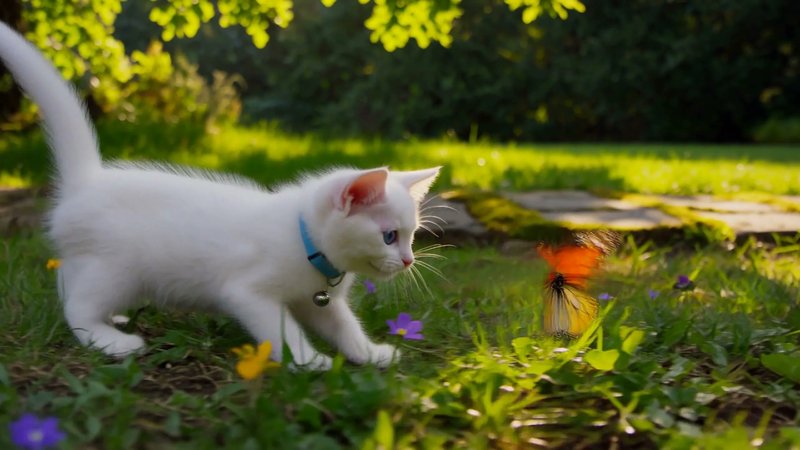
MiniMax H3 Max Turbo text-to-video still: a white kitten chasing a butterfly in a sunlit garden
Model example already used on this site.

A fashion still that starts to pose

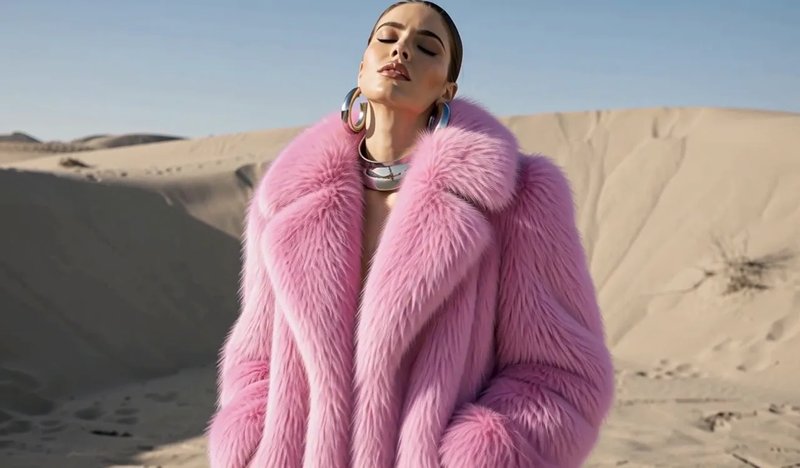
The clip grows from the still you upload. Check that the coat, the face, and the dunes still match the start image while the poses change.

Example prompt

High-fashion editorial photoshoot of a model, captured in a series of dynamic editorial poses: Confident, composed expressions throughout. Shot on a medium-format camera, 80mm lens, f/5.6, tack-sharp focus. Studio lighting with a single large softbox key and a subtle rim light, seamless muted-grey backdrop, clean shadows. Vogue-style composition with generous negative space and intentional cropping, fine film grain, rich fabric texture, magazine-cover quality, ultra-detailed.

Shape
Pink fur, face, and background should still match the still. If identity drifts, shorten the pose list before you add lighting words.
Motion
The still already supplies the look. Keep the coat and dunes; describe only the pose change. The archived prompt mentions a studio backdrop — drop those words when you reuse it with this still.
A fashion model in a pink fur coat standing against desert dunes
Start frame: high-fashion editorial still against desert dunes
Start frame
Model example already used on this site.
Credits

Plan your credit budget

A five-second take at 480P uses 15 credits here, versus 35 on MiniMax H3 Max. New accounts receive 10 credits, so add a plan or pack first. Keep duration and resolution the same when you compare versions.

Current modelMiniMax H3 Max TurboThis pageGenerate with MiniMax H3 Max TurboSibling modelMiniMax H3 MaxSame settings, higher credit costMiniMax H3 Max video generator
5-second 480P15 credits35 credits
5-second 768P25 credits75 credits
5-second 1080P50 credits150 credits
Premium768P and 1080P require Premium768P and 1080P require Premium
Signup balance10 credits — not enough for a 15-credit take10 credits — not enough for a 35-credit take
FAQ

Before you generate with MiniMax H3 Max Turbo

Your next version

Generate with MiniMax H3 Max Turbo

Start from text or an image, then change one instruction on the next take.